P3769 R4 · SECOND FLOOR
Find your room with confidence
3769 West 134th Street
Cleveland, OH 44111
A simple guide from the back entrance to your room. Once you find the upstairs bathroom, your bedroom is immediately to its RIGHT.
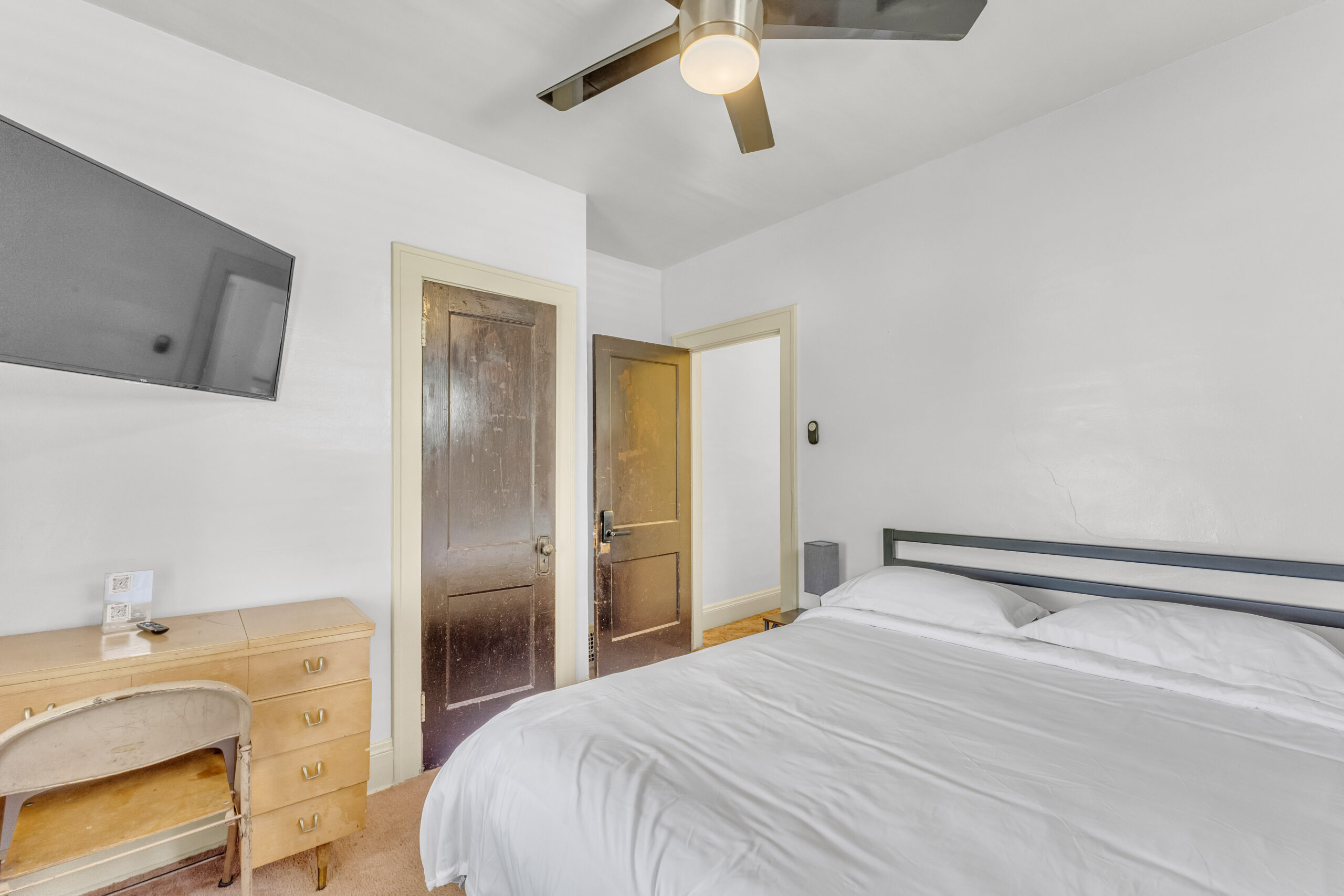
USE THE BACK DOOR, NOT THE FRONT DOOR.
Have your registration completed and your personal access code ready before arrival.
Save the visual guide
Keep the arrival guide on your phone so it is easy to follow when you reach the property.
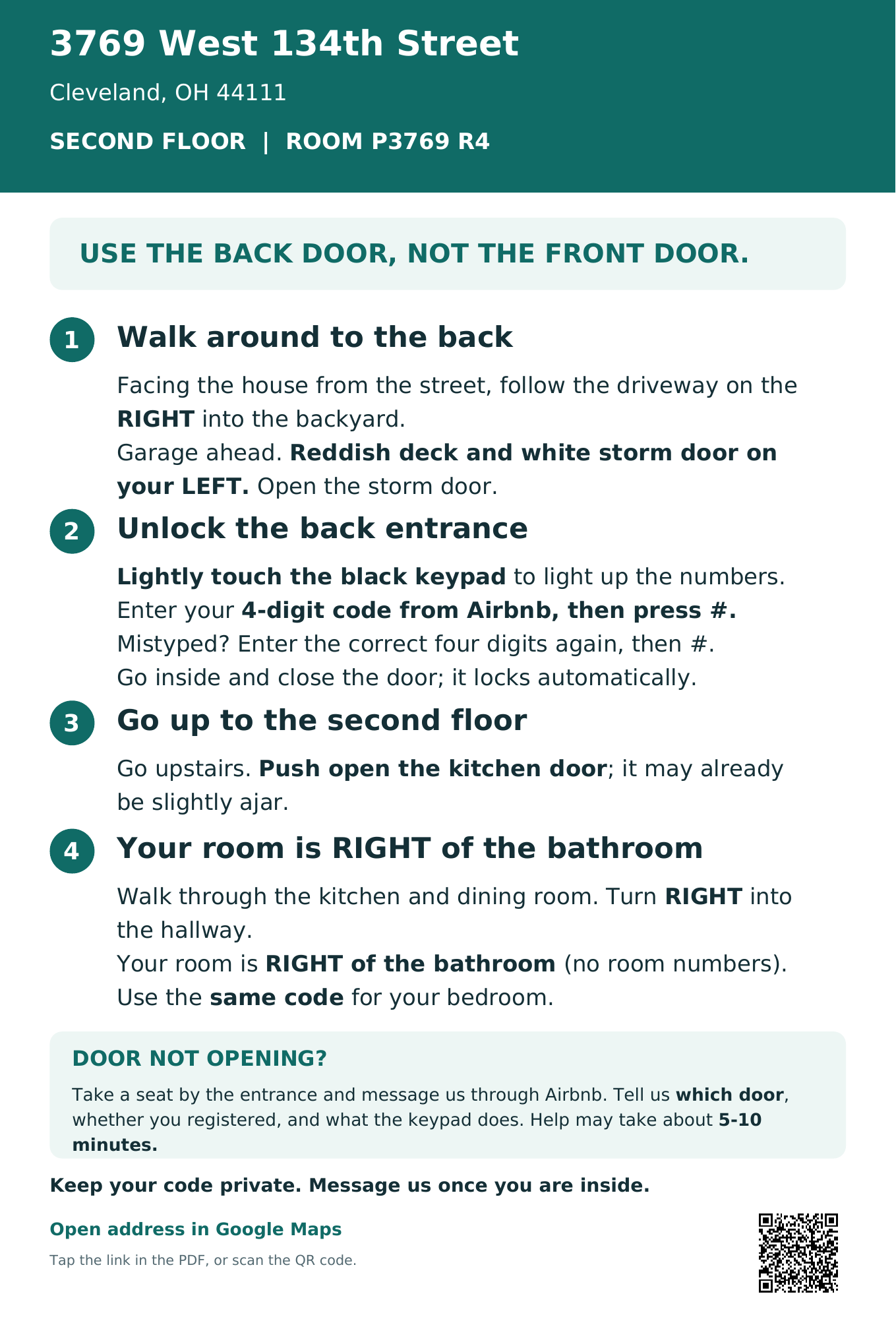
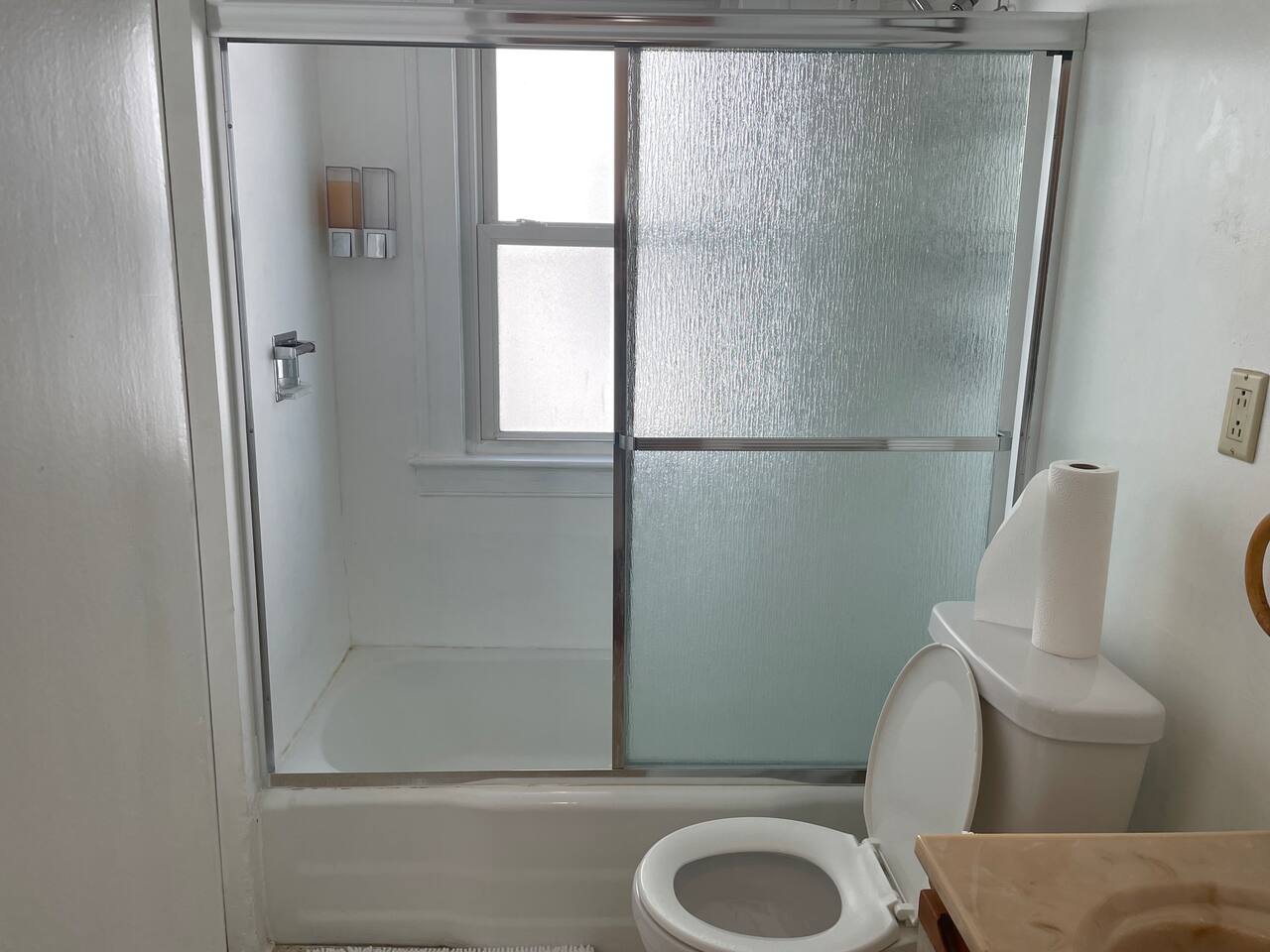
Your final landmark
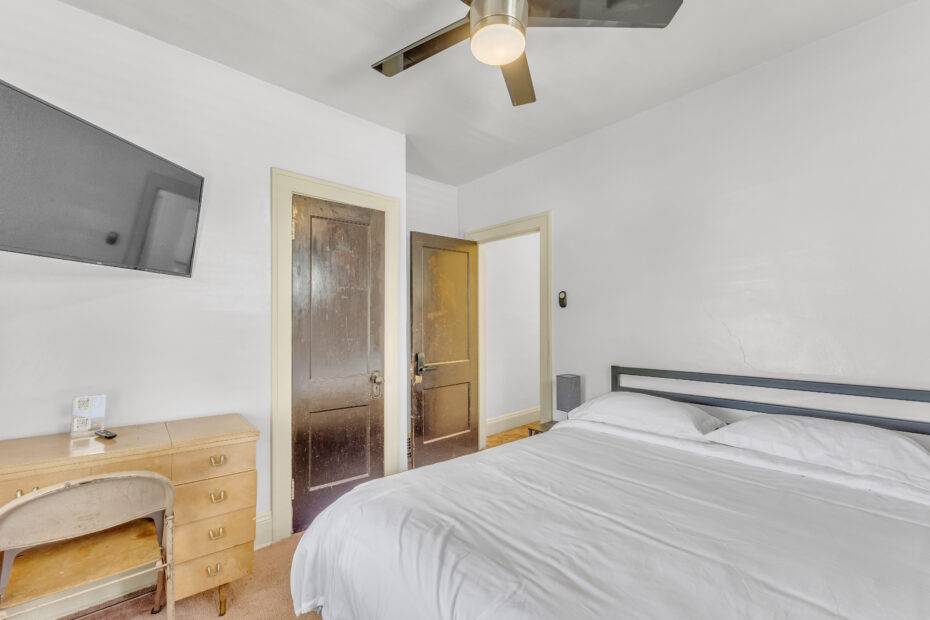
Find the bathroom. Your room is immediately to its RIGHT.
Full arrival instructions
3769 West 134th Street, Cleveland, OH 44111
Second floor — P3769 R4
Use the back entrance, not the front door. Complete your online registration before arrival and have the personal access code from your booking-platform messages ready.
1. Walk to the backyard
Facing the house from the street, follow the driveway on the RIGHT side of the property toward the backyard.
In the backyard, you will see the garage ahead. On your LEFT is a reddish back deck with a white storm door. Open the white storm door to reach the entrance and its black keypad lock.
2. Unlock the back entrance
Lightly touch or swipe your hand across the black keypad to illuminate the numbers. This is especially helpful when arriving at night.
Enter the four-digit personal code provided in your booking-platform messages, then press # (the pound key).
If you mistype, enter your complete, correct four-digit code again, then press #. The lock recognizes the last four digits entered.
Enter and close the entrance door behind you. It locks automatically.
3. Go up to the second floor
Go up the stairs to the SECOND FLOOR. Push open the kitchen door; it may already be slightly ajar.
4. Find your room
Walk through the kitchen into the dining room. Turn RIGHT into the hallway leading to the bedrooms.
Find the bathroom. Your room is immediately to the RIGHT of the bathroom. There are no room numbers or signs.
Use the same personal code to unlock your bedroom. Your code is unique to your stay. Do not share it with anyone.
If the entrance will not unlock
Take a seat on one of the chairs by the entrance and send us a message through your booking platform. Please be as specific as possible:
- Which door are you standing at?
- Have you completed your online registration?
- Does the keypad light up, sound an alarm, show an error, or give no response?
For example: “I am at the backyard entrance. I completed registration. The keypad lights up, but it sounds an alarm after I enter my code and press #.”
You can also ask whether a backup code is available. Assistance may take approximately 5–10 minutes; we can try to unlock remotely and guide you through access.
Parking
If you are driving, park on the street unless you have requested and received an assigned parking spot from us.
Once you are inside your room, please send us a quick message confirming you made it in.